Key Takeaways
- Domo and other BI products differ in data connectivity, dashboards, analysis, administration, and pricing.
- Pricing and implementation depend on an organisation's needs and selected plan; verify current terms with each vendor.
- Alexia describes reporting and business insights as part of its connected workspace. Confirm that its features and integrations meet your requirements.
- Compare platforms using a representative reporting task and assess accuracy, governance, implementation effort, and ongoing cost.
Domo has built a profile as a business intelligence product for organisations working with data across teams. Its dashboards, data visualisations, and connectors are part of the platform's appeal for businesses looking to organise reporting in one environment.
For other organisations, the key questions begin after evaluating the feature list: how much dashboard development, data modelling, user training, and ongoing administration will their specific implementation need? Growing businesses may be looking for reports that use existing business applications and can be adopted by people across teams. The practical answer depends on the data environment, reporting requirements, and internal resources, rather than company size alone.
As AI-assisted reporting products become more common, businesses may compare them with traditional BI platforms. Evaluate what each product actually supports before treating a new approach as simpler or faster.
What Makes Domo a Strong Business Intelligence Platform?
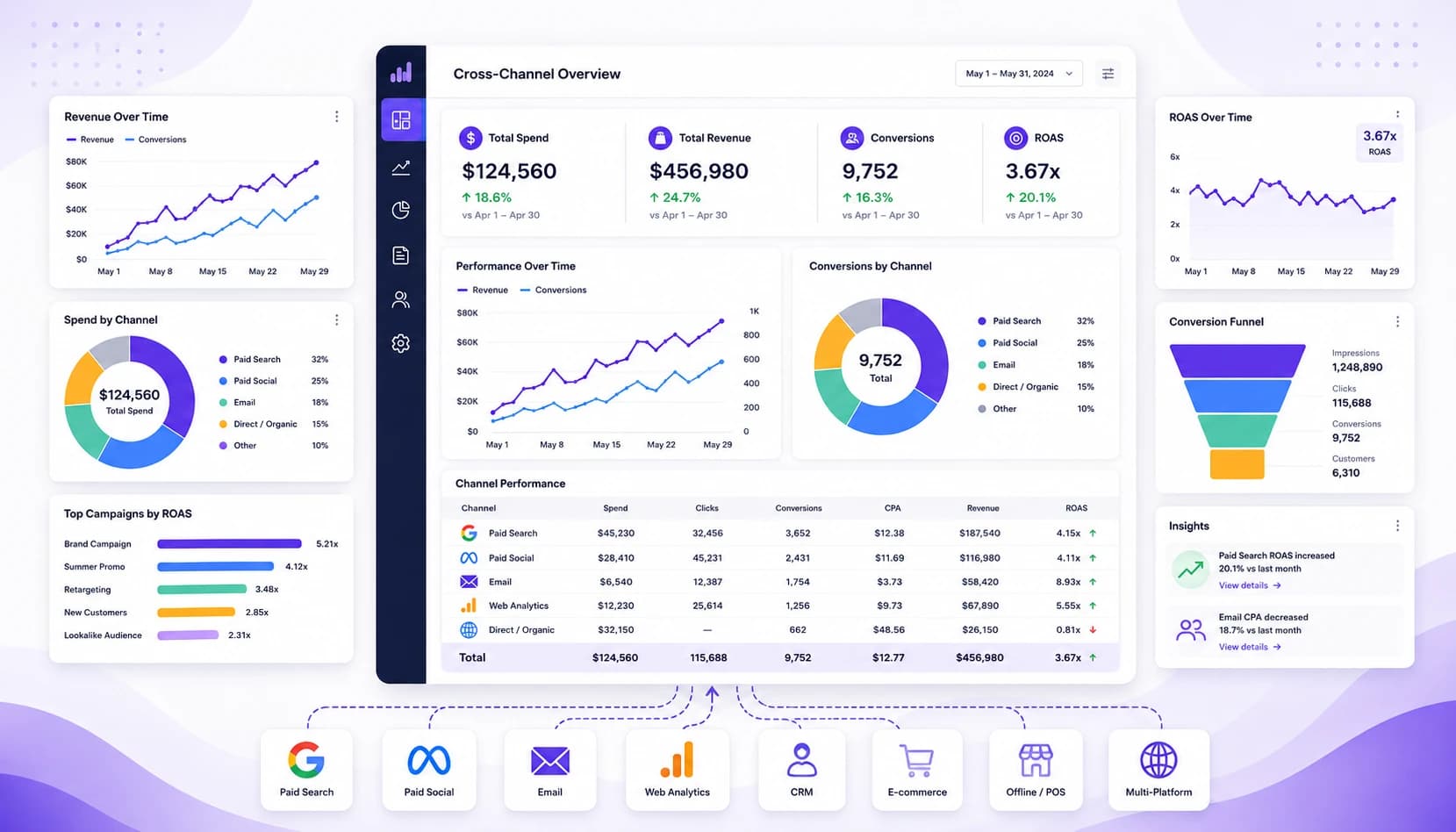
Domo remains a business intelligence product that organisations may evaluate for capabilities such as:
- Data connectors
- Interactive dashboards
- Custom data visualisations
- Executive reporting
- Governance and security controls
- Analytics across teams
Verify which of these capabilities are included in the current Domo plan and configuration you are considering. A platform's value depends on the reporting work it enables. For a team with mature data practices and complex requirements, advanced dashboard development and analytics resources may be important. For another team, those same requirements may add more setup and administration than its reporting needs justify.
Where Domo May Not Be the Right Fit
Small and mid-sized businesses may have different requirements from organisations with a dedicated analytics team. Some teams want answers to routine business questions without building dashboards or maintaining a complex reporting environment. Common reasons to evaluate an alternative include:
- Whether the product's current pricing fits the available budget
- How long implementation and data preparation are expected to take
- The amount of ongoing dashboard maintenance
- Whether everyday users can work with the reports without relying on a technical specialist
- The training needed for new employees
When reporting becomes difficult to maintain, some teams may return to spreadsheets or depend on analysts for routine questions. Assess actual licensing, implementation, training, and maintenance needs rather than assuming one product is always too complex or costly.
Connect Insights across Your Business
List the marketing, sales, finance, and operational data your team wants to review together. Then confirm that a shortlisted platform can access those sources with suitable permissions.
Popular Domo Alternatives
Several business intelligence platforms compete with Domo, each with different strengths and requirements. Consider the tools your organisation already uses as well as standalone BI products, and compare current product information directly.
Microsoft Power BI
Power BI provides reporting and analytics products within Microsoft's platform. It may be a fit for organisations using Microsoft services, depending on licensing, capacity, data connectivity, and governance needs.
Tableau
Tableau offers data visualisation and analytics products, including interactive dashboards and exploratory analysis. Review the current offerings against your team's analysis and administration needs.
Looker Studio
Looker Studio supports report and dashboard creation and may suit organisations that use Google Analytics and Google Ads. Check its connectors, sharing controls, and any additional services required for other data sources.
Put these ideas to work
See how the workflows covered in this article run inside the Teamified platform.
Alexia
Alexia describes reporting and business insights alongside other workplace features. Its product overview and integration directory provide current information; verify that the integrations and controls needed for your use case are covered.
Domo vs Alexia
Domo and Alexia describe different ways of working with business data. Domo is associated with dashboard-based BI, while Alexia describes reporting and business insights through a conversational AI workspace. Confirm the current details for both products before making a comparison.
| Feature to assess | Questions to check for Domo | Questions to check for Alexia |
|---|---|---|
| Primary approach | Which dashboards and visualisations fit the team's workflow? | Which reports and questions can connected data support? |
| Setup | What data configuration and dashboard work are required? | Which integrations, permissions, and configuration are needed? |
| Reporting | How are reports created and maintained? | Which report formats and analysis features are currently available? |
| Integrations | Are the required sources supported? | Are the required sources and fields in the integration directory? |
| Technical expertise | What skills are needed to administer the environment? | What skills are needed to configure and review the workflow? |
| Governance | Which access and audit controls are included? | Which access and audit controls are included? |
Alexia's product pages describe a range of integrations, but availability and data coverage vary by connector and workflow. Review the integration directory, test with representative data, and confirm current pricing directly before deciding.
The main comparison is not simply dashboards versus conversation. It is whether each product can answer the required business questions accurately, securely, and with a manageable amount of setup and review.
Choosing the Right Business Intelligence Platform
Every organisation has different reporting requirements. If your business has established BI specialists, complex data models, and extensive governance requirements, a mature dashboard-based platform may remain a strong option. If the priority is easier access to reporting and AI-assisted business insights, compare newer products against the same tasks rather than assuming implementation will be faster.
When evaluating business intelligence software, consider:
- Ease of implementation
- Reporting flexibility
- Cross-platform integrations
- Accessibility for non-technical users
- Total cost of ownership
- Governance and AI capabilities
These factors can matter as much as the number of dashboard features. Shortlist the questions the platform must answer, test a representative workflow, and ask each vendor about current integrations, data handling, support, implementation, and total cost.
Why AI Is Changing Business Intelligence
Business intelligence is expanding beyond dashboards as products add ways to query information, identify patterns, and draft explanations. Features vary. Check what sources are included, how a generated answer can be verified, and whether it is suitable for the decision at hand.
Alexia's product materials describe reporting and insights across connected business tools, including integrations and conversational workflows. Explore the Alexia product overview and reporting use cases. Availability and outputs depend on the source connections and data. Agree on metric definitions and review the results before using them to guide decisions.
Your Next Step in Business Intelligence
Choosing a business intelligence platform depends on your team's reporting needs, technical expertise, and available resources. Domo and other mature BI tools may suit organisations with established analytics teams and complex reporting requirements. Other teams may prioritise simpler reporting workflows or broader access to business insights.
Compare the platforms against your own data sources, implementation capacity, governance requirements, and budget. A controlled evaluation using a representative report is a practical way to test fit before committing. Explore the Alexia overview and use cases if you want to evaluate its reporting approach.
Turn Cross-Functional Data into Clearer Answers
Review whether Alexia's reporting features and connected tools fit your organisation's requirements. Confirm current integrations and data access before evaluating it with business data.

About the Author
Simon Lee
Co-Founder, Teamified
Simon Lee is the co-founder and CEO of Teamified, with deep expertise in cloud architecture, fintech, and SaaS platforms. He leads the vision behind Alexia.ai, designing AI-powered solutions that drive operational efficiency and business growth across global teams.
Connect on LinkedInReview business intelligence requirements
Explore Alexia's reporting features and supported integrations before evaluating it for your organisation.