Key Takeaways
- Swydo describes tools for connecting marketing data and automating client reports. Compare its current features with your agency's workflow.
- Reporting tools differ in their data sources, presentation options, analysis features, and support for recurring work.
- Alexia's product information describes reporting and business insights across connected tools. Confirm that the integrations and workflows you need are available.
- AI-generated analysis can support reporting, but recommendations should be checked by a person before they are shared or acted on.
Swydo has long been used by agencies to organise and automate client reporting with marketing data. But a report is only one part of the process. Teams also need to decide what the figures mean, explain changes, and agree with clients on what to do next.
That is why agencies sometimes look for a Swydo alternative. Reporting products vary: some focus on collecting data and presenting it in dashboards or templates, while others also describe analysis features. Before comparing platforms, decide whether the main need is to automate data collection, make reports easier to share, or add support for analysis. No platform can guarantee better client outcomes on its own.
What Makes a Good Swydo Alternative?
If you're comparing Swydo competitors, look beyond templates and dashboards. A useful marketing reporting platform should fit the sources and recurring tasks your agency manages, and make it practical for the team to review and explain results.
1. Does It Save Reporting Time?
Automation should reduce repetitive work, not simply move it somewhere else. If your team still spends hours writing summaries and recommendations after generating reports, you may have automated only part of the process. Compare the time required for the full reporting cycle, including review and client delivery.
2. Does It Provide Insights?
Clients rarely ask for more charts. They may ask why conversions fell, which campaigns produced the strongest results, whether spending should change, or what is driving acquisition costs. Reporting software can help surface information for those questions, but confirm the source data and have a person review explanations before treating them as conclusions.
3. Can It Connect Your Marketing Platforms?
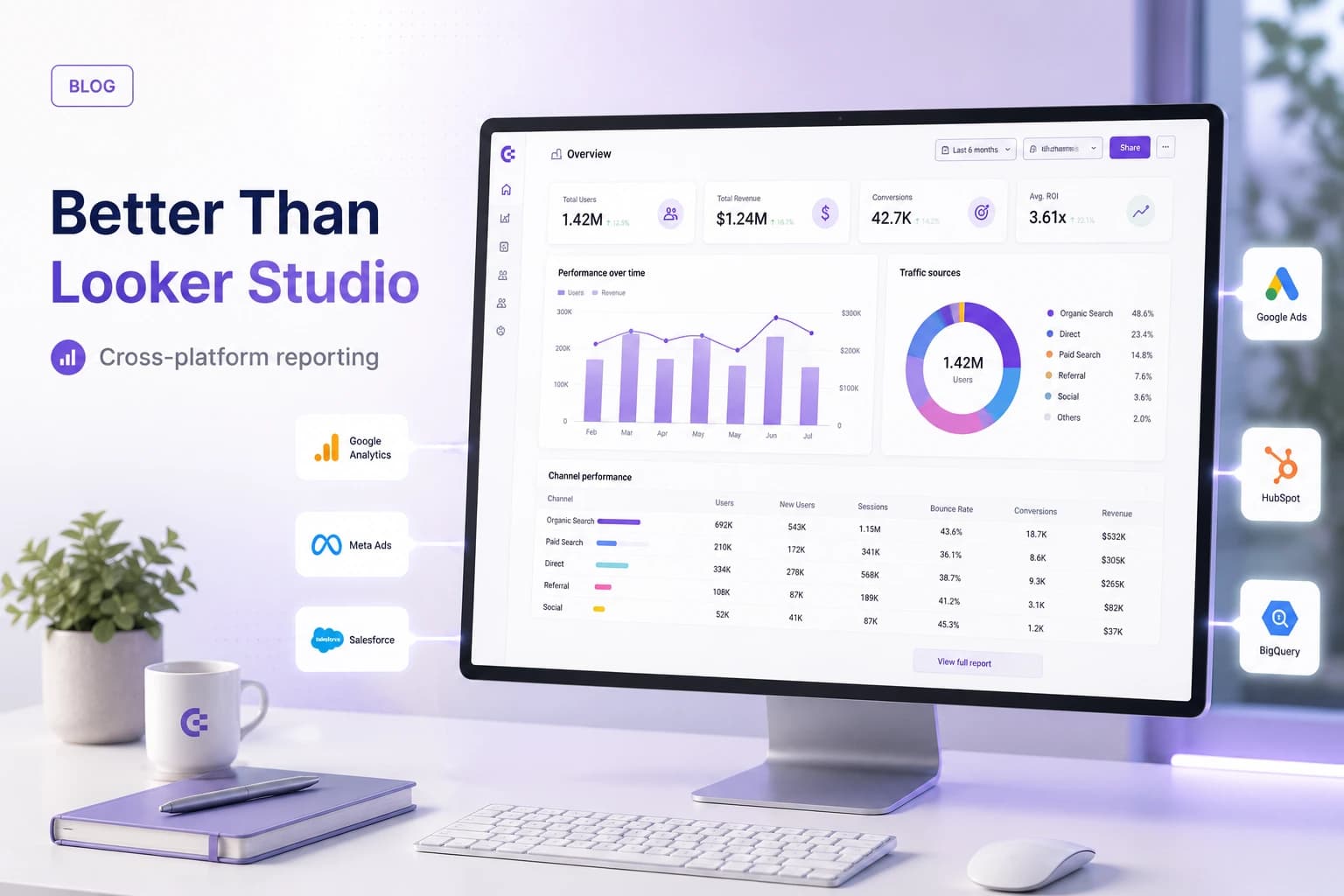
Agencies may work with Google Analytics, Google Ads, Meta Ads, LinkedIn Ads, HubSpot, Salesforce, Xero, and other marketing or business systems. Check that the platform supports the specific services, fields, and permissions each client needs. A listed integration does not necessarily mean every metric or account type is available. Without compatible data and consistent definitions, teams may still need to switch tools or reconcile information manually.
4. Can Your Entire Team Use It?
Reporting should be accessible to the account managers, strategists, agency owners, and client success teams who use it, not only technical specialists. Consider the training and maintenance needed for each role, and whether the people responsible for client recommendations can verify the information in a report.
Common Reasons Agencies Replace Swydo
Swydo remains a capable reporting solution for agencies whose needs fit its current features. Agencies may begin evaluating a replacement as their client portfolio or reporting requirements change. Questions that can prompt a review include:
- Do reports still require substantial manual interpretation before clients receive them?
- Does the team spend significant time adding commentary each reporting cycle?
- Do you need to combine data across channels or systems?
- Are strategic recommendations still prepared entirely by hand?
- Can the reporting process keep up as the client portfolio grows?
These are evaluation questions, not universal shortcomings of Swydo. Check current product features and plan limits directly with the vendor.
Automate Your Client Reporting
Connect the reporting tools your agency uses and compare a recurring client update with the process you have today. Check both the preparation time and the accuracy of the finished report.
Other Swydo Alternatives Worth Considering
If you're researching the best alternative to Swydo, consider products built for agency reporting as well as tools that connect or visualise marketing data. Features and plans can change, so use each provider's current product information and trial to check fit.
AgencyAnalytics
AgencyAnalytics describes agency-focused reporting, including dashboards and client reporting options. Review its current integrations, scheduled reporting, white-labelling, and multi-client features against your requirements. If your agency also needs generated analysis, check whether and how the current product supports that work rather than assuming a dashboard will interpret results.
Whatagraph
Whatagraph describes visual reports and cross-channel marketing data features. It may suit teams that prioritise presentation. Check available sources, report layouts, and automation details for your use case rather than assuming a particular analysis feature is or is not included.
DashThis
DashThis offers dashboard and reporting tools for marketing data. Compare supported integrations, dashboard options, pricing, and the level of analysis you need directly with the provider.
Put these ideas to work
See how the workflows covered in this article run inside the Teamified platform.
Supermetrics
Supermetrics focuses on moving marketing data into destinations such as Google Sheets, Looker Studio, Excel, or data warehouses. It is often evaluated alongside reporting products, but the data connector and presentation layer can be separate parts of a workflow. Determine whether you need one or both.
How AI Is Changing Agency Reporting
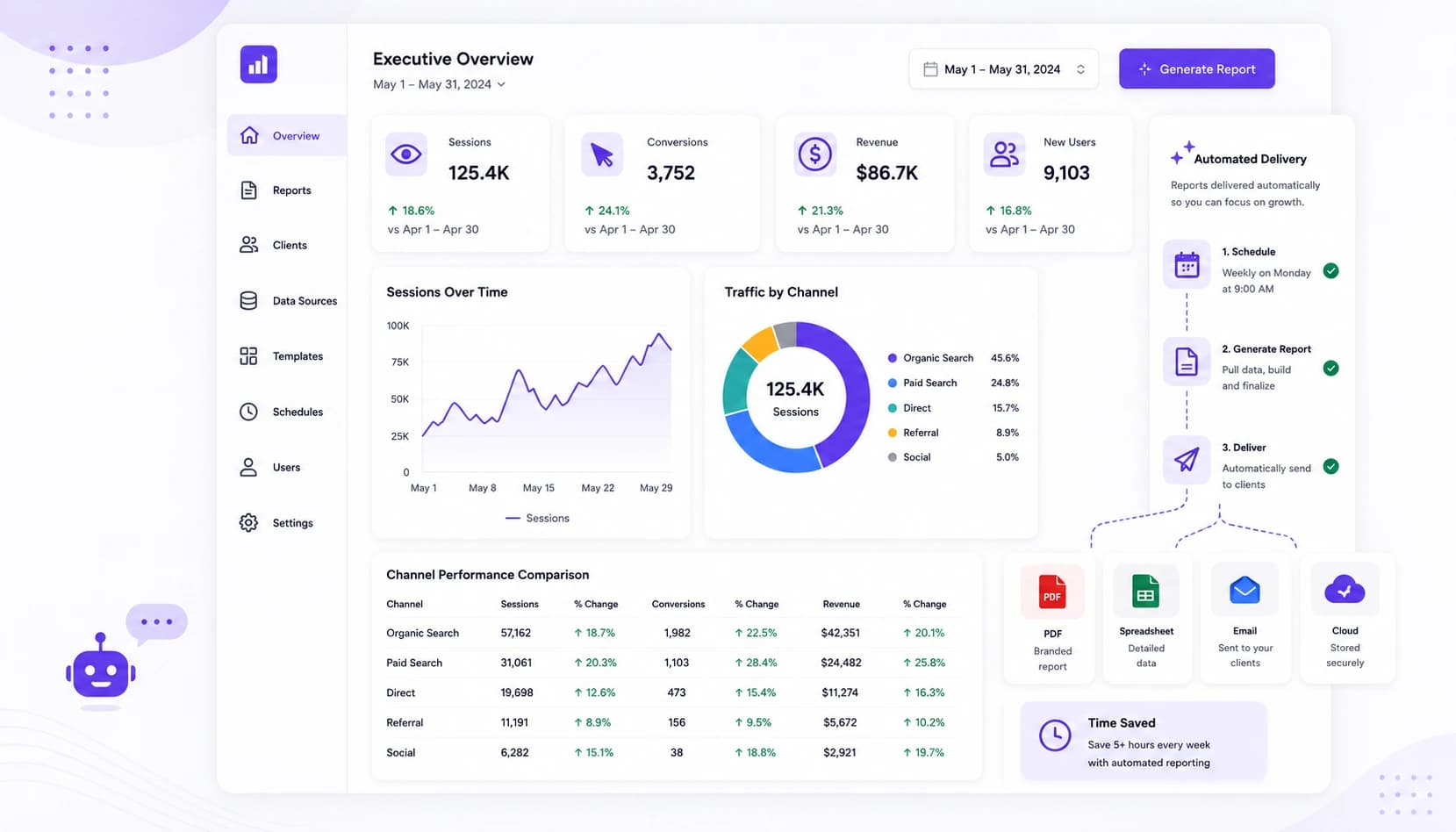
An agency reporting workflow often includes connecting platforms, exporting or retrieving campaign data, building dashboards, writing commentary, sending reports, and repeating the process each reporting period. Automating data collection can reduce some repetitive steps, but analysis and recommendations may still require a strategist.
AI features may help draft a summary or surface patterns in connected data. For example, suppose a report shows that cost per acquisition increased by 18% in a particular period. A tool might help an analyst investigate which campaigns contributed, whether the change coincides with a seasonal shift, how it compares with previous periods, and what actions could be considered. Those findings are prompts for review, not proof of cause. Agencies should verify the data, add context such as budget or tracking changes, and review recommendations before sharing them.
HubSpot's State of Marketing is one reference on marketers' channels and priorities. Regardless of the number of sources, a useful reporting process needs clear definitions and a reliable way to connect figures to business questions.
The Strategic Advantage of AI Reporting
The best agencies do more than present dashboards: they explain results and advise clients on next steps. Clients may already be able to access many of the same platform metrics themselves, but they still need context about why performance changed, which campaigns merit closer review, and what actions might follow.
AI-assisted reporting can help identify trends, organise findings, or prepare a first draft. Its usefulness depends on the connected data and the question asked, and it does not replace the strategist's judgement. Review source figures, explain assumptions, and distinguish a possible explanation from a verified cause.
For a growing agency, a repeatable review process can make reporting more manageable. It should not be presented as a guarantee of stronger retention, premium pricing, or a particular amount of time saved.
How to Choose the Right Swydo Alternative
Before switching, list the requirements that matter to your agency and use them to assess each candidate. Review data coverage, the reporting workflow, analysis features, usability, maintenance, and cost.
Does It Support Your Marketing Platforms?
Your reporting platform should connect to the tools your agency relies on. Confirm that it supports the specific services, accounts, fields, and permissions required by your clients. A product may list an integration while still having limits on the metrics or data available through it. Reducing manual exports can save effort, but only where the needed information is accessible and comparable.
Does It Generate Insights or Display Data?
Dashboards are useful for showing agreed metrics. If you also need to understand why performance changed or identify opportunities, compare the analysis features available and how their output can be checked. Definitions and source data should match the agency's reporting methodology.
Can Your Team Use and Maintain It?
Some reporting platforms require users to configure dashboards, calculated fields, or data models. Others offer simpler reporting interfaces. Assess the training and support the team will need, and whether account managers and strategists can work with the platform without relying on a single specialist.
Will It Grow with Your Agency?
Consider whether costs, access controls, reporting capacity, and support remain suitable as your client portfolio and reporting needs change.
Switching from Swydo to Alexia
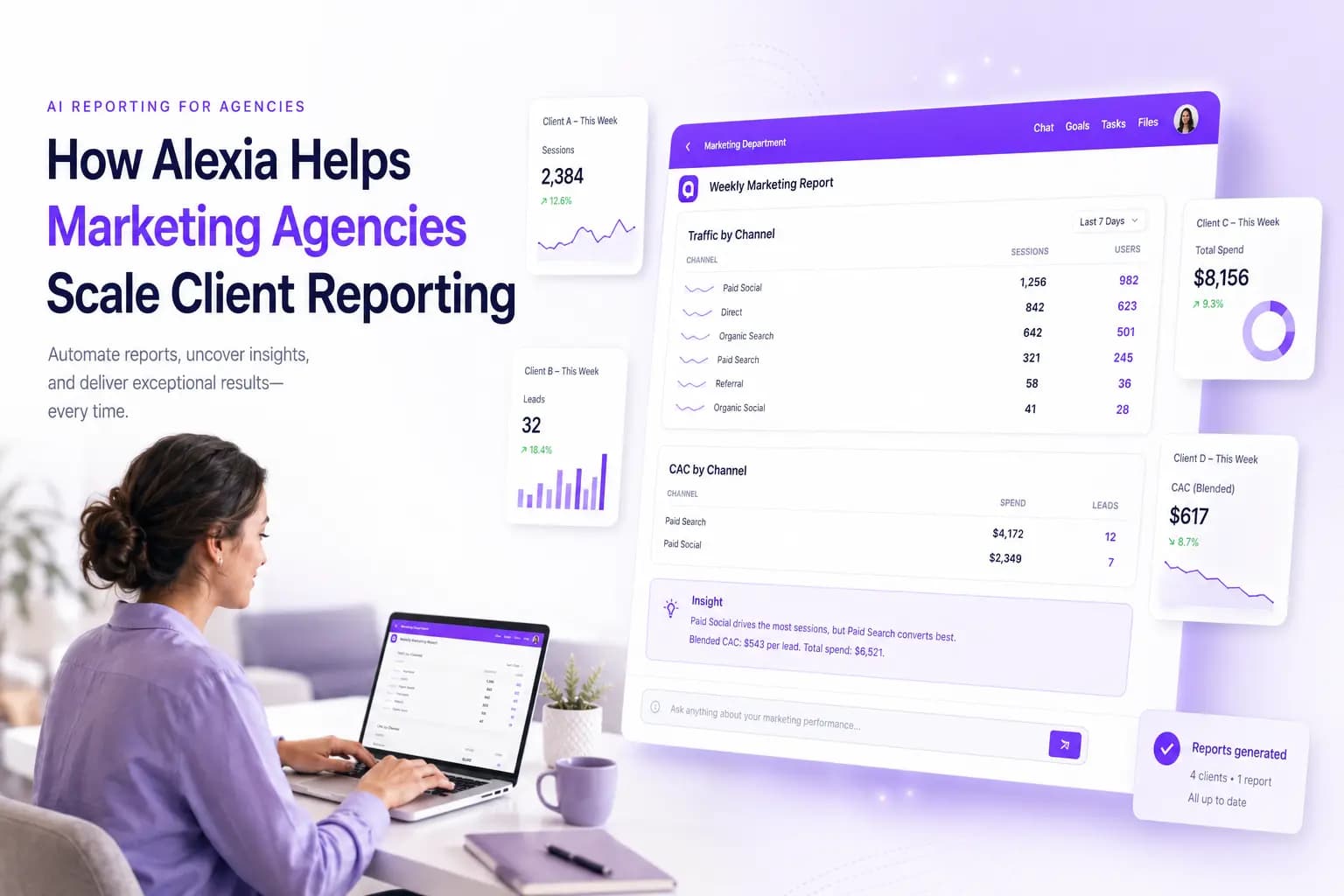
Switching tools does not have to begin with a full migration. Alexia's product pages describe reporting and business insights as part of its connected workspace. If you are considering it, first confirm that the data sources and permissions required for the client are supported in the integration directory.
Start with one representative client. Connect the tools needed for a recurring report, then compare the result with the report you already prepare. Measure reporting time, check figures against their source platforms, review the explanations, and ask whether the client finds the report clear and useful. Avoid assuming that every source, metric, or client-specific calculation will be available without configuration. Use the results and client feedback to decide whether to expand the pilot.
| Feature to evaluate | Questions for your trial |
|---|---|
| Automated reports | Which recurring steps can be automated, and which still need review? |
| White-labelled reports | What branding and sharing options are available on the plan? |
| Cross-platform reporting | Which connected sources and fields can be analysed together? |
| AI-generated analysis | Can the team validate summaries and recommendations against source data? |
| Natural-language questions | Which questions can be answered reliably with the connected data? |
Both products aim to support reporting, but they may fit different workflows. Use a trial to check the current feature set rather than relying on a generic comparison table.
The Future of Client Reporting Is Intelligent Reporting
Clients need reports that are understandable, accurate, and relevant to business decisions. They may want clear explanations of changes, meaningful context, and practical recommendations, rather than charts without interpretation.
Agencies can use automation to reduce repetitive reporting work and AI features to assist with summaries or analysis. However, generated explanations must be checked, and strategists remain responsible for context and client advice. The right Swydo alternative depends on each client's sources, the agency's reporting process, and how much analysis and review the team expects to do. Compare current product documentation, test a complete reporting cycle, and choose the approach that works for your team.
Make Client Reporting Easier with Alexia
Bring connected data into a more organised reporting workflow. Explore the Alexia product overview and check the supported integrations before deciding whether it fits your agency.

About the Author
Simon Jones
Co-Founder, Teamified
Simon Jones is the co-founder and CTO of Teamified, bringing decades of experience in technology, system architecture, and business transformation. He oversees the technical direction of Alexia.ai, ensuring the platform delivers enterprise-grade automation and intelligence.
Connect on LinkedInExplore reporting with Alexia
Review the Alexia product overview and integration information to see whether the platform fits your reporting workflow.