Key Takeaways
- Tableau and Power BI offer business intelligence, visualisation and data modelling capabilities.
- Databox focuses on accessible business dashboards and offers an AI assistant called Genie.
- AgencyAnalytics focuses on reporting for agencies and their clients.
- Supermetrics focuses on marketing data integrations and reporting workflows.
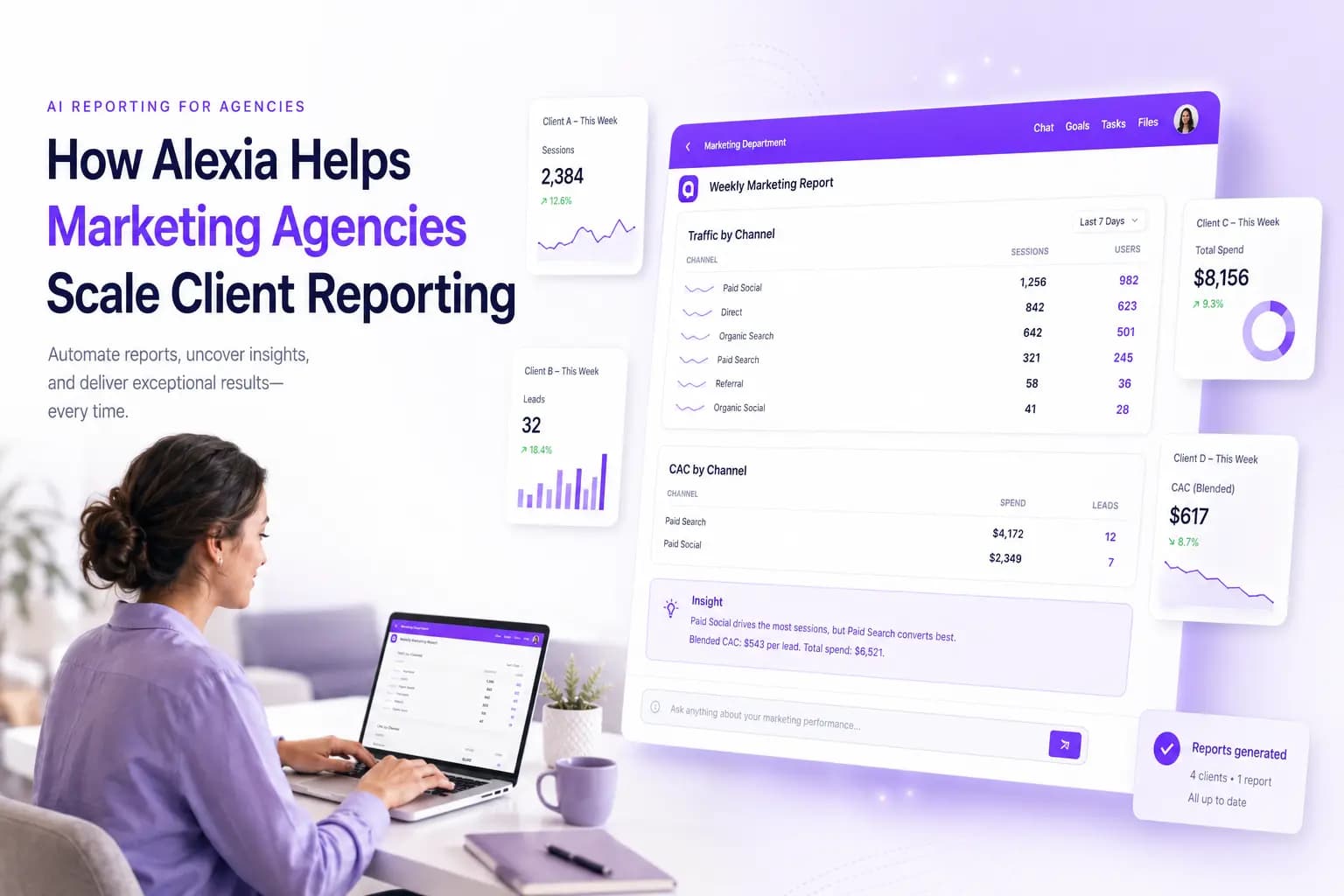
- Alexia describes conversational reporting across connected business tools.
- Compare data coverage, workflow, customisation and business context rather than choosing on AI claims alone.
Marketing teams have more reporting options than ever. Enterprise business intelligence platforms can model complex datasets. Marketing-specific platforms provide dashboards. Agency tools automate client reporting. Data platforms connect advertising and analytics sources. AI-assisted reporting tools increasingly let users explore performance through natural-language questions.
Choosing among the best reporting tools for marketing is less about finding the platform with the longest feature list and more about matching its reporting model to your team. This guide compares six approaches across integrations, analysis, customisation, ease of use and the type of reporting each platform handles best. Product features and prices change, so check vendor pages for current plans and availability.
How the main options differ
The right platform depends on who builds the reports, where your data lives and how stakeholders consume the results. A high-level comparison:
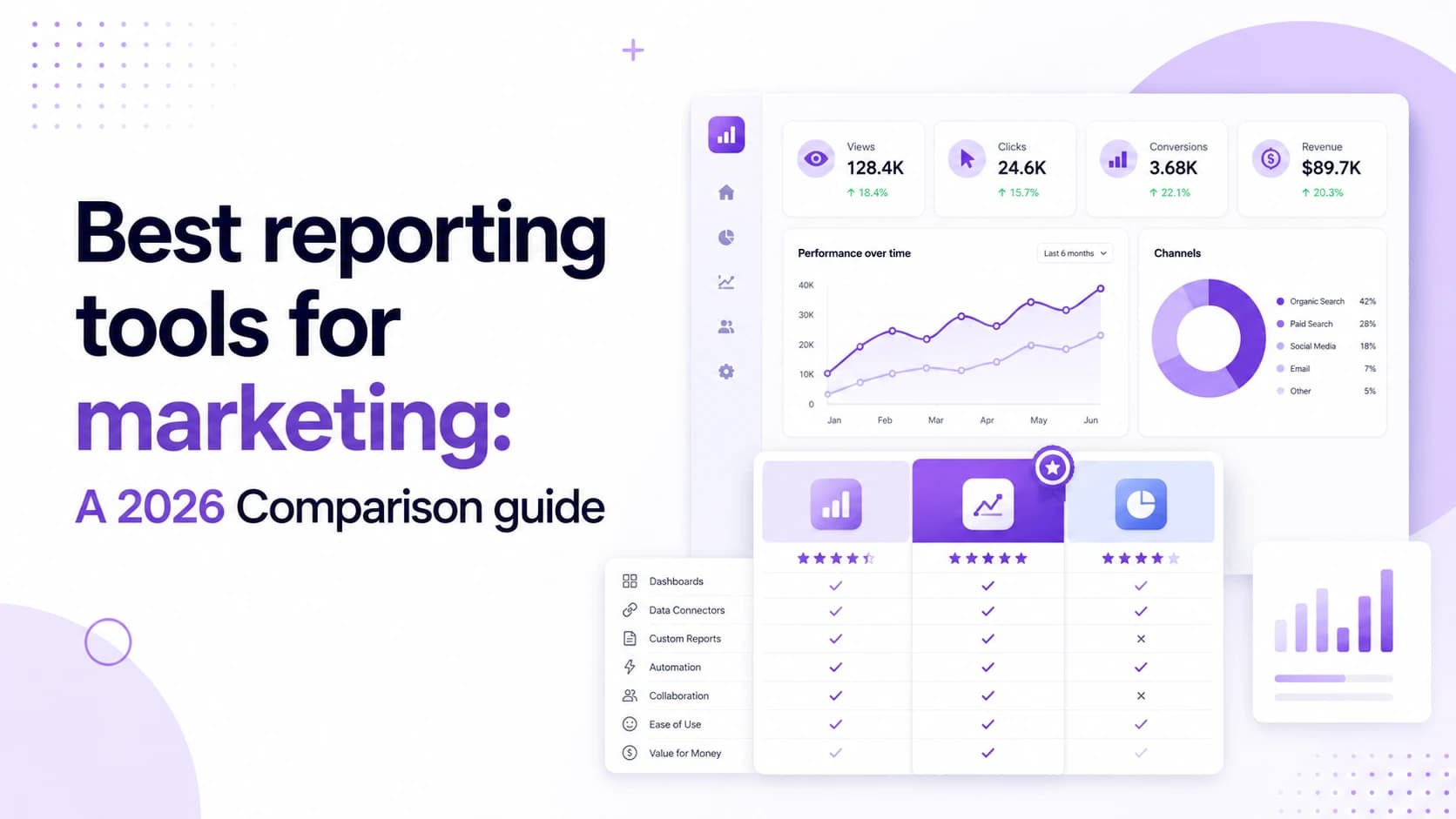
| Platform | Best for | Key strength |
|---|---|---|
| Tableau | Enterprise analytics | Advanced modelling and visualisation |
| Power BI | Microsoft-centric BI | Business intelligence within Microsoft's ecosystem |
| Databox | KPI monitoring and accessible BI | Dashboards and AI-assisted analysis |
| AgencyAnalytics | Marketing agencies | Client reporting and branded workflows |
| Supermetrics | Marketing data infrastructure | Marketing connections and transformations |
| Alexia | Cross-business conversational reporting | Marketing alongside CRM, finance and operations |
These products are not interchangeable in every workflow. Validate current integrations, features, access controls and pricing directly with each vendor. The table describes general strengths, not a guarantee that every capability is available in every plan.
Best reporting tools for marketing in 2026
The right platform depends on who builds the reports, where the data lives and how stakeholders use the results.
1. Tableau
Tableau is an option for organisations that need advanced visual analytics, data modelling and governed business intelligence. Its official Tableau Agent page describes natural-language data exploration and assistance with visualisation creation. Capabilities vary by product and configuration, so check current documentation.
Best for: Organisations with analysts or data teams that need highly customisable analytics.
Consideration: Marketing teams that mainly need quick recurring reports may not need Tableau's full analytical depth.
2. Power BI
Microsoft Power BI combines data modelling, dashboards and reporting with close integration into Microsoft's wider ecosystem. Microsoft's Copilot documentation describes chat-based analysis and assistance for supported scenarios, including working with report data. Availability depends on licensing, capacity and configuration, so verify requirements with Microsoft.
Best for: Businesses already working heavily with Microsoft products or requiring broader BI capabilities.
Consideration: Building sophisticated models and reports can still require dedicated analytics skills.
3. Databox
Databox combines dashboards, custom metrics and performance monitoring. Its support documentation describes Genie, an AI analyst that can answer questions about connected performance data and generate insights. Review Databox's current product and plan documentation for the data sources, metrics and usage available to your team.
Best for: Marketing and growth teams wanting dashboards and AI analysis without moving into a more involved enterprise BI setup.
Consideration: Check how source, user and AI requirements affect the plan that fits your team.
4. AgencyAnalytics
AgencyAnalytics is built around client reporting for agencies. Its product information describes reports and dashboards for clients, including branded reporting workflows. Review its integration directory to confirm that the sources required for each client are supported.
Best for: Agencies producing recurring branded reports across multiple client accounts.
Consideration: In-house marketing teams may not need agency-specific functions such as client portals and white-label reporting.
5. Supermetrics
Supermetrics is more than a data connector. It specialises in moving marketing data into destinations such as Google Sheets, Looker Studio, Excel and Power BI, while also describing data transformations and API access. The Supermetrics Studio page describes dashboards and AI-related features for working with marketing data. Check the vendor's current product information for supported sources, destinations and transformations.
Best for: Marketing teams that need reliable connections, data transformation and control over where marketing data is analysed.
Consideration: Teams mainly wanting business answers rather than managing reporting infrastructure may prefer to evaluate a more conversational approach.
6. Alexia
Alexia approaches reporting from the business question rather than the dashboard. A user can ask, “How did paid marketing perform this month compared with last month?” or “Which campaigns generated the most qualified pipeline and closed revenue?” The second question requires more than advertising data. It may combine campaign performance with CRM information and financial outcomes.
Alexia's integrations page lists supported business connections. Its product materials describe reporting alongside meetings, tasks, team collaboration and other operational workflows. The built-in tools page describes saved reports that can refresh automatically. Confirm source coverage, permissions and refresh options for your account before relying on a particular workflow.
Best for: Marketing teams that want reporting to connect with CRM, finance and wider business operations.
Consideration: Teams requiring highly customised enterprise dashboards or specialised data modelling may prefer dedicated BI software.
Put these ideas to work
See how the workflows covered in this article run inside the Teamified platform.
How to choose a marketing reporting tool
Rather than comparing every feature, start with the reporting workflow your team actually uses.
Choose based on your reporting depth
If analysts need to model complex datasets and build highly customised dashboards, Tableau or Power BI may be appropriate. If marketers need accessible dashboards with performance monitoring and AI analysis, Databox offers a lighter approach. Compare the configuration, data sources and maintenance involved in the specific reports your team produces.
Consider who receives the reports
Marketing agencies and in-house teams have different needs. White-labelled client portals, automated client reports and multi-account management can make AgencyAnalytics particularly relevant for agencies. Internal teams should assess whether those functions address their own workflow or add complexity they do not need.
Look at how data gets into the platform
If connecting and transforming marketing data is the largest challenge, Supermetrics is designed around that requirement. Confirm that its current supported sources, destinations and transformations fit your reporting workflow.
Look beyond marketing metrics
A campaign can generate plenty of conversions while producing little revenue. For teams that need to connect marketing with leads, opportunities, revenue, finance or other business outcomes, cross-platform reporting becomes more important. This is where Alexia's broader business-data approach may be relevant, provided the required sources are supported and the attribution model is understood.
Questions to ask before choosing reporting software
Before committing to a platform, test it against a real report your team already produces. Ask:
- Does it connect directly to our most important data sources?
- How much configuration is required before we can produce the report?
- Can non-technical users ask follow-up questions?
- Can reports refresh automatically?
- Can we schedule recurring reports?
- Can it identify significant changes or anomalies?
- Can marketing data connect with CRM and revenue?
- How easy is it to customise reports?
- How does pricing change as data sources and users increase?
- Can we verify where each reported metric comes from?
This gives you a more useful reporting tools comparison than evaluating screenshots or feature counts.
Choose reporting software around the questions you need answered
There is no single best marketing reporting platform for every team. Tableau provides analytical depth. Power BI fits naturally into Microsoft's data ecosystem. Databox combines dashboards with accessible AI analysis. AgencyAnalytics specialises in client reporting. Supermetrics provides marketing data infrastructure. Alexia takes a different approach: its reporting tools allow marketers to ask questions across connected business systems rather than limiting analysis to campaign data alone. Marketing activity can be viewed alongside CRM pipeline, financial information and wider business operations, where sources are supported.
For teams searching for a Tableau alternative, Power BI alternative, Databox alternative or AgencyAnalytics alternative, the deciding question should be what type of reporting experience your business actually needs. If the team spends more time building reports than discussing what the numbers mean, a conversational model may be worth testing. Sign up for Alexia and generate a marketing report using connected business tools, then compare its results with the source systems.

About the Author
Simon Lee
Co-Founder, Teamified
Simon Lee is the co-founder and CEO of Teamified, with deep expertise in cloud architecture, fintech, and SaaS platforms. He leads the vision behind Alexia.ai, designing AI-powered solutions that drive operational efficiency and business growth across global teams.
Connect on LinkedInExplore conversational reporting
Review Alexia's reporting capabilities and confirm that the services and workflows your team needs are supported.